
Customize print templates and branding
Define the display name, logo, print templates and domain to be configured within the handover scope.
Deploy, operate and expand your healthcare services, with integrated features including remote care, clinical operations management, patient engagement and provider tools — all on a single platform.

 Patient recordsSynchronized across every channel
From day-to-day operations to a smart healthcare ecosystem.
Adopting basic software for administrative management, such as patient intake and invoicing, helps the clinic standardize its data and build a foundation for the next steps of digital transformation.
Converting clinical workflows end to end from a physical to a digital environment, minimizing paper records.
Data is no longer “isolated” within a single hospital; it can be integrated and shared smoothly with national systems and with other healthcare facilities.
Uses large-scale medical data (Big Data) together with advanced technologies to forecast, analyze, and support doctors in clinical decision-making.
MedAgents works alongside healthcare facilities throughout the digital transformation journey.
View all featuresAI supports the doctor
In the AI workspace, the doctor selects the relevant data to ask questions, generate a summary, or prepare notes. The content must be checked against the source before use.
Recorded: the patient has had a cough for 3 days; no information yet on temperature or medications taken.
A draft from the content provided
An example of how missing information is handled; no facts are filled in automatically.
Built-in integrations for post-visit contact
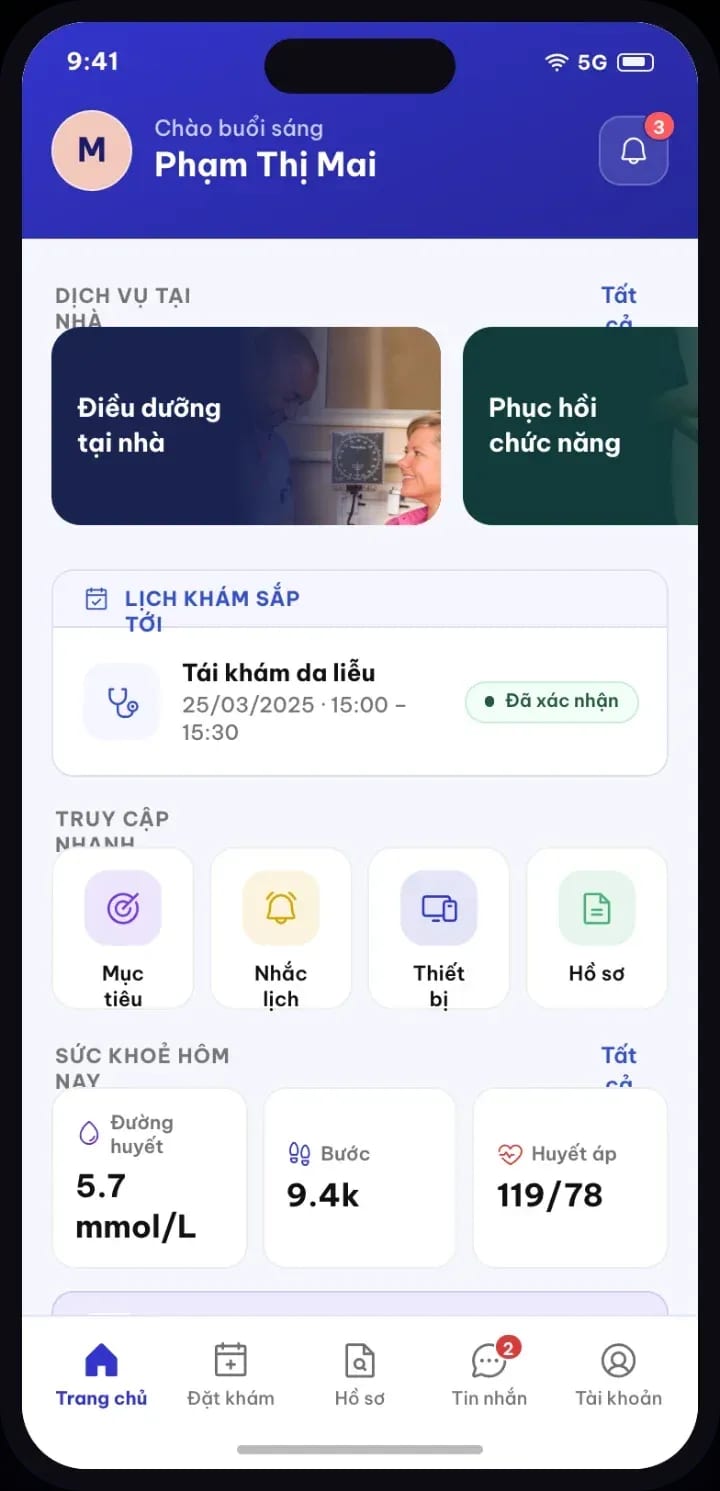
Receive and reply to messages, place calls, take calls, and handle missed calls within MedAgents. Connect the facility's Zalo OA, Facebook Page, and phone system accounts so the team can work in the integrated channels.
Zalo OA and Messenger messages
Receive and reply through the facility account; verify the contact before linking them to a record.
Telemedicine available 24/7
Review call history and handle missed calls to see which patients need to be called back.
Task assignment management
Manage tasks along the course of treatment, and check and review the content of each task.
Connect the website to deliver visit results
Adds convenience and strengthens the connection between patients and the healthcare facility.
Based on rollout needs
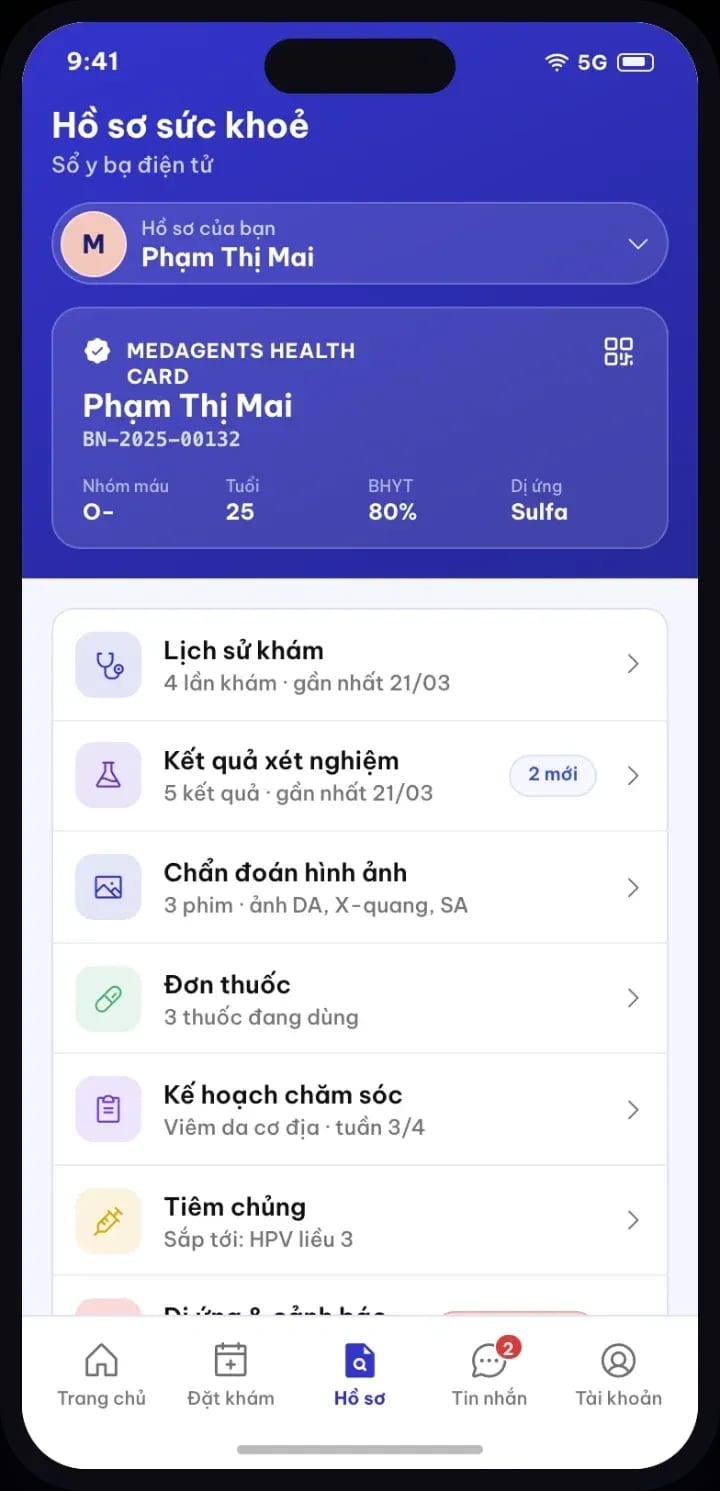
Define the display name, logo, print templates and domain to be configured within the handover scope.
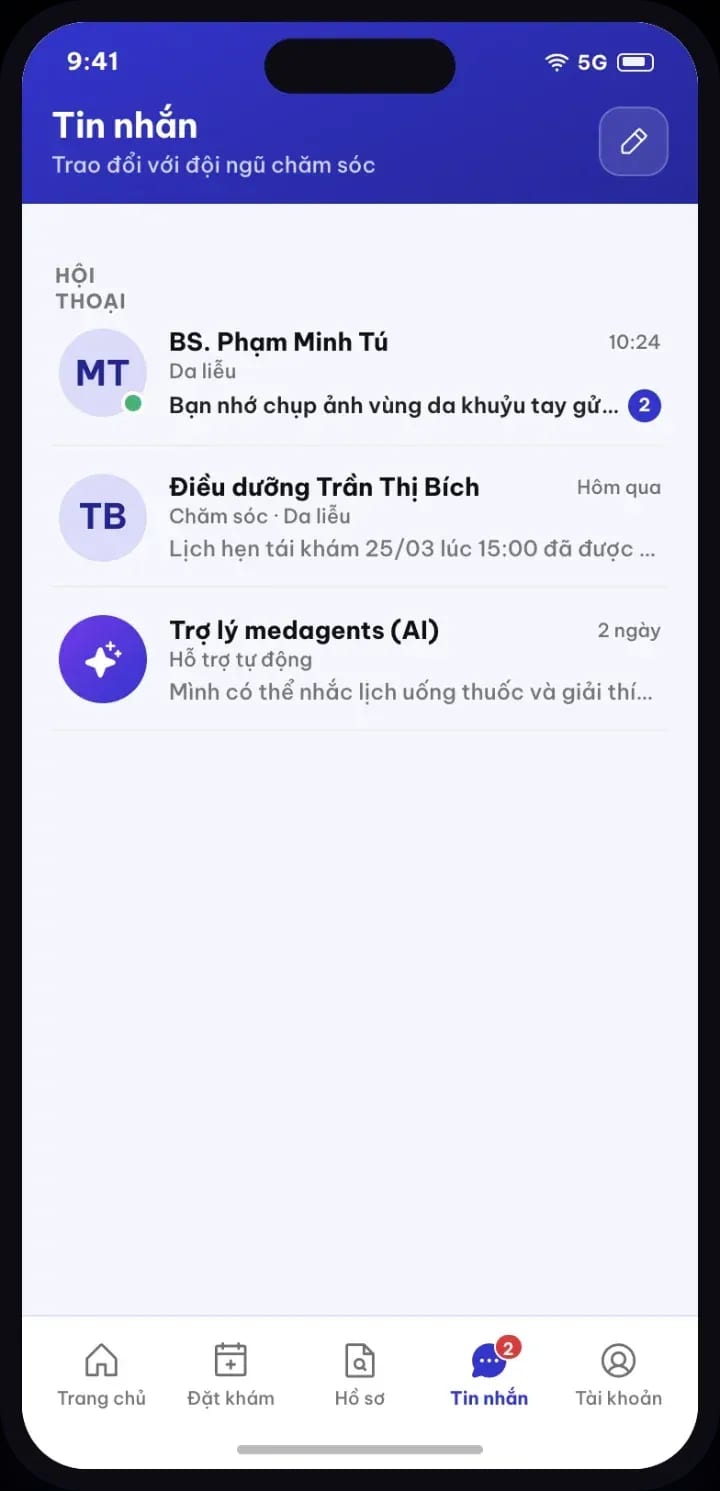
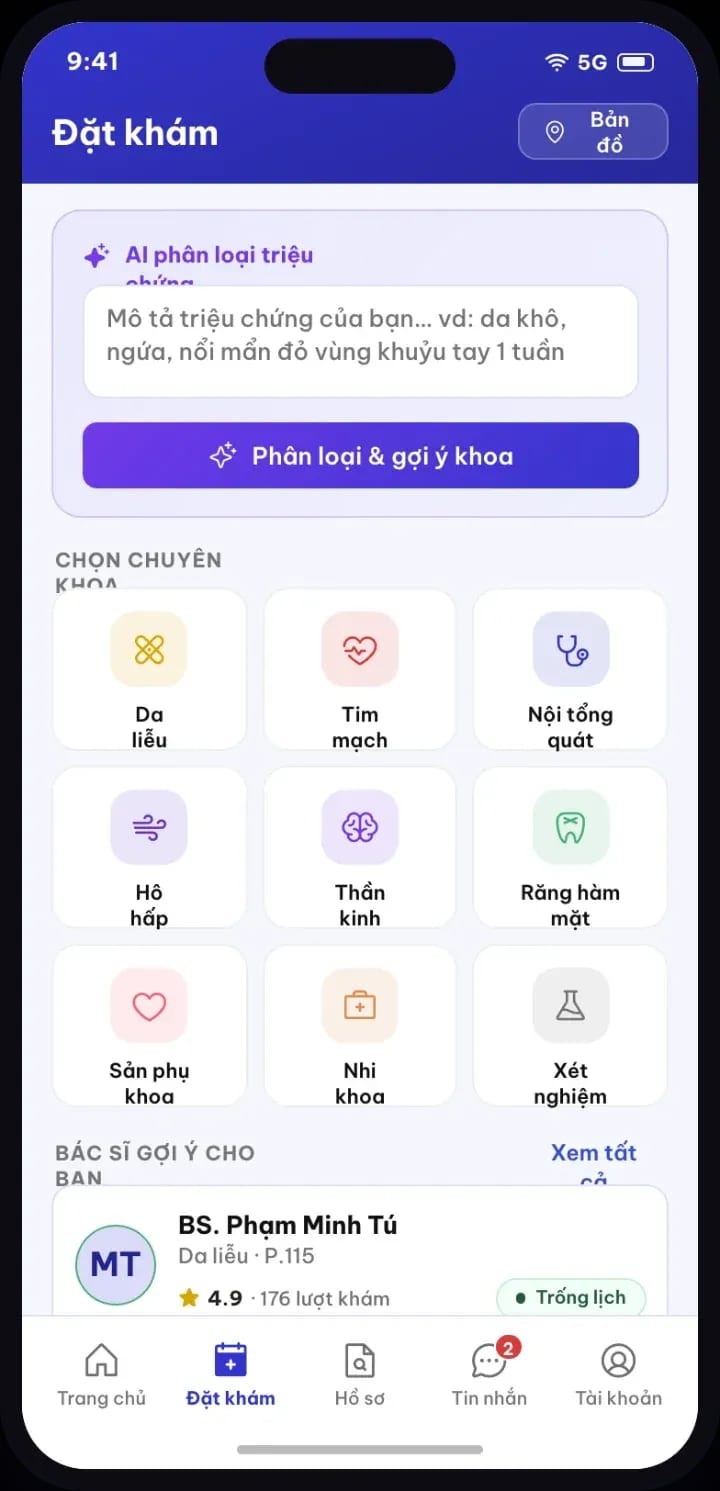
Grant access to appointments, results, and measurements on the web portal. Requests for a separately branded app are included in the implementation proposal.
Connect messaging accounts and the call center to MedAgents; define which data is exchanged by API with the software already in use.
Choose the scenarios, the people performing them and the results to verify for each rollout flow.
Data and usage rights
Issue accounts and assignments that match each staff member's work.
Distinguishes independent organizations from branches within the same organization.
Manage assignments by role, branch and department.
Agree on where data is stored, how it is backed up, and how restores are tested for the deployment environment.
Review the data used for AI, messaging and the call center separately before switching the integration on.
Finalize the format, the scope, the recipients, and the reconciliation steps for the data migration.
Two ways to start
We start from the specific tasks, the data you already have and the people who will use the system. The discovery session produces a list of features, integrations and outputs to verify.
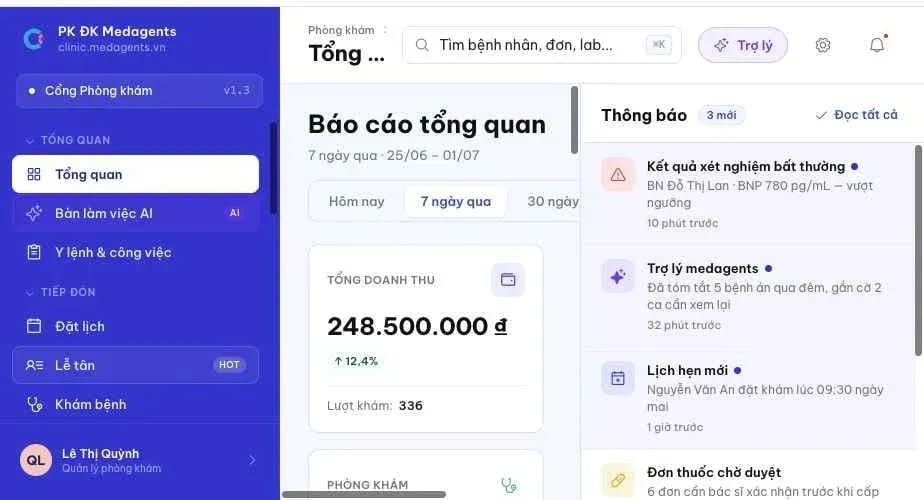
Patient intake, consultation, billing, and post-visit follow-up
Built on FHIR data and APIs
In a 45–60 minute working session, we review the steps of patient intake, consultation, payment, or post-visit follow-up together. Prepare one anonymized example and a list of tasks that are currently causing problems.